


Table of Contents
- Why Fake Online Discounts Are Everywhere in 2026
- The Real Price Check: How to Verify a Discount Is Genuine
- How to Identify Fake Websites Before You Buy
- How to Spot Fake Coupons and Promo Codes
- Legitimate Discount Code Sites: How to Tell Them Apart
- What to Do After a Fake Online Purchase
- Your 5-Minute Verification Checklist Before You Pay
- Conclusion: Shop Smarter, Not Scared
- Frequently Asked Questions
Last Updated: October 14, 2026
Why Fake Online Discounts Are Everywhere in 2026
Learning how to spot fake online discounts starts with one uncomfortable fact: a deal that looks too good to be true usually is.
The problem is simple. A discount only means something if the "original" price was real.
Seasonal events make this worse. The UK's consumer advice services regularly warn shoppers to slow down during big sale periods and check offers against official guidance.
Below, we break down the exact steps to verify any offer in about five minutes.
The Real Price Check: How to Verify a Discount Is Genuine
Verifying a discount means confirming the item sold at the higher price before the sale started. If you cannot find proof of that higher price, treat the discount as unproven.
Step 1: Check the Price History
Price history is the record of what an item actually sold for over time. Price-tracking tools and browser extensions log this data automatically. Search the product name plus "price history" to see past prices.
Look for three things:
- The price 30 to 60 days before the sale
- Whether it dropped right before the "discount" appeared
- The lowest price ever recorded for that item
If the item sat at the sale price for months, the markdown is fake.
Step 2: Compare Across Retailers
Check the same product at two or three other shops. A real bargain will undercut the market. A fake one will match it, or sit slightly above, while still showing a "50% off" badge.
Watch the fine print too. Expiration dates, exclusions and one-time-use rules often hide the fact that the deal is weaker than it looks.
| Check | What to Look For | Red Flag |
|---|---|---|
| Price history | Steady higher price before the sale | Price only rose last week |
| Cross-retailer price | Lower than other shops | Same or higher elsewhere |
| Fine print | Clear dates and terms | Vague or missing terms |
| Stock claims | Real stock levels | "Only 2 left" on every visit |
How to Identify Fake Websites Before You Buy
You can identify fake websites by checking the domain, the design and the contact details before you spend anything. Most scam sites give themselves away in under a minute.
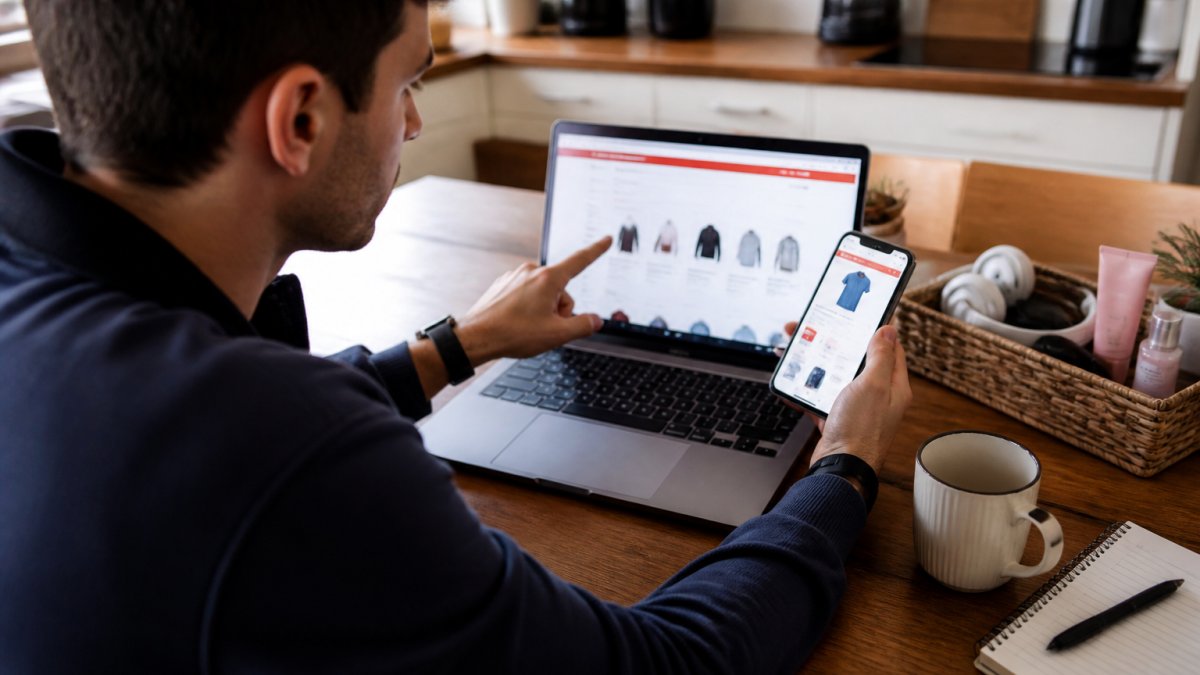
URL and Domain Red Flags
Read the web address closely. Scammers use slight misspellings of real brand names. They also swap letters for numbers, like "0" for "o".
Other warning signs:
- A suspicious URL with random words or numbers
- No padlock, or a padlock on a strange domain
- A domain registered only weeks ago
- Contact pages with no address or phone number
Type the brand's name into a search engine yourself instead of clicking a link. That way you land on the official website, not a copy.
Design, Spelling, and Image Quality Checks
Poor website design is a strong signal. Look for spelling errors, broken layout, and low-quality images. Real retailers proofread their pages. Scam sites rarely do.
Check the product photos too. Stolen images often look stretched or blurry. If the same photo appears on five other sites, the listing is likely fake.
How to Spot Fake Coupons and Promo Codes
Fake codes come in three main shapes, and each one has a different tell:
1. Phishing bait codes. The code is real-looking, but the page that hosts it asks you to log in with your email, social account, or store password to "reveal" it. The code is irrelevant, the goal is your credentials. Tell: the login page is on a domain that does not match the retailer, and the URL often contains the brand name plus extra words or numbers.
2. Affiliate bait codes. These codes are expired or invented, but the page hosting them earns a commission if you click through and buy anything.
3. Account-farming codes. The code works only if you create a new account, hand over an email, and sometimes add a phone number.
Before you trust any code, run this quick test:
- Copy the code, open the retailer's site in a new tab by typing the domain yourself, and paste the code at checkout. If it fails there, it is not a real code for that store.
- Check the code page for a visible expiry date, minimum spend, and excluded categories. Legitimate code sites publish these; fake ones hide them.
- Look for user votes or dated comments. A code with no engagement history and no date is usually recycled or invented.
- Never enter card details, bank logins, or store passwords on a page whose only job is to show you a code.
A common pattern in 2026 is the "spin the wheel" or "scratch card" pop-up that promises a discount after you answer three questions.
One more distinction worth making: a misleading discount and a fraudulent offer are not the same thing. A misleading discount is a real product sold at a price that was never genuinely higher, annoying, but you get what you paid for. A fraudulent offer is a fake product, a fake seller, or a phishing page, you may get nothing, or you may get your card details stolen. Fake coupons usually sit in the second category, which is why the safe move is to verify the code on the retailer's own site before you trust the page that showed it to you.
Legitimate Discount Code Sites: How to Tell Them Apart
Legitimate discount code sites show working codes, clear terms, and honest expiry dates. They also tell you when a code has stopped working instead of leaving dead offers up for clicks.
Use these signals to judge a code site:
- User votes or comments showing which codes worked
- Clear notes on exclusions and minimum spend
- No request for your card details to view a code
- A privacy policy and real contact details
A good rule: if a code site feels pushy, it probably is. Real savings do not need pressure tactics.
What to Do After a Fake Online Purchase
If you paid a scam site, act fast.
First, decide which problem you have.
- Misleading discount: You received a real product, but the "original" price was inflated. Your remedy is usually a return under the retailer's policy, or a complaint to your national consumer body if the reference pricing was deceptive.
- Fraudulent offer: You paid and received nothing, received a counterfeit, or your card details were captured by a phishing page. This is a fraud case, and your bank or card provider is your first call.
If it is fraud, do these in order:
- Call your bank or card provider and report the payment as fraudulent. Ask them to stop the transaction or issue a chargeback. Card payments and major digital wallets have chargeback processes; bank transfers and gift cards usually do not.
- Change the password on any account you used on that site, and on any other account that shares the same password. Turn on two-factor authentication where it is available.
- Check your statements and email for follow-up charges or password-reset requests you did not make.
- Report the site to your national consumer protection body and, in the UK, to Action Fraud. UK shoppers can find step-by-step reporting routes through Citizens Advice on scam reporting.
- If the seller was a third-party marketplace seller, report the listing to the marketplace as well. Marketplaces often freeze seller payouts while a dispute is open, which improves your chances of recovery.
If you clicked a phishing link but did not pay, change your passwords anyway, then review your account security settings for logins and devices you do not recognise.
Payment methods, ranked by protection.
- Credit card: Strongest protection in most countries, including chargeback rights.
- Debit card: Chargeback rights exist but are weaker and slower.
- Major digital wallets: Often add a layer of protection and keep your card number out of the seller's hands.
- Bank transfer: Almost no recovery once sent. Avoid for unfamiliar sellers.
- Gift cards or crypto: Effectively untraceable. Treat any request for these as a red flag.
Gather evidence before it disappears. Scam pages often vanish within days. Before you report, screenshot the listing, the payment page, the confirmation email, and any chat with the seller.
Finally, note the difference between a misleading discount and a fraudulent offer when you report it. Consumer bodies handle deceptive pricing and outright fraud through different routes, and describing the problem accurately speeds up the response.
Your 5-Minute Verification Checklist Before You Pay
Run this checklist on every deal that feels urgent. It takes about five minutes and catches most fake online discounts.
- Check the price history for the last 60 days
- Compare the price at two other retailers
- Read the URL letter by letter
- Scan the page for spelling errors and blurry images
- Confirm a returns policy and contact details exist
- Test the promo code before trusting the site
- Pay by card, never by bank transfer
- Save a screenshot of the offer
If any box stays unchecked, walk away. No discount is worth your card details.
Conclusion: Shop Smarter, Not Scared
Fake discounts thrive on speed and silence. The fix is a slow, careful check before you pay. Once you know how to spot fake online discounts, most scams lose their power.
At Theclothes.club, we built our store around the opposite idea: honest value, a curated range, and a simple shopping experience.
Shop Now with Theclothes.club and enjoy great value you can actually verify.
Frequently Asked Questions
What are fake shopping websites?
Fake shopping websites are fraudulent online stores designed to look like legitimate retailers. They often use copied logos, professional-looking templates, and unrealistically low prices to trick shoppers into paying for products that never arrive. Common signs include URLs with misspellings or extra characters, missing contact information, and payment pages that only accept wire transfers or cryptocurrency. Always check the domain name carefully and look for a physical address and customer service phone number before buying.
How can I tell if an online discount is genuine?
Check the price history using available tools to see if the 'original' price was inflated before the sale. A genuine discount will show a steady regular price followed by a real reduction. Also verify the offer on the retailer's official website and look for clear terms, expiration dates, and exclusions. If the discount seems too good to be true, it probably is. Cross-check the same product on two or three trusted sites to confirm the sale price is actually lower.
How do I check whether a coupon code is legitimate?
Start by searching for the coupon code along with the retailer's name and the word 'scam' or 'review'. Legitimate discount code sites will have user comments and updated expiration dates. Test the code at checkout on the official retailer site, not on a third-party page. Be wary of codes that require you to complete a survey, download software, or enter personal details beyond what's needed for the purchase. If the code asks for your bank login or social security number, it's a phishing attempt.
What should I do if I paid for an item on a fake shopping site?
Contact your bank or credit card provider immediately to dispute the charge and report the transaction as fraudulent. If you paid via PayPal or a digital wallet, open a dispute through their resolution center. Change your passwords for any accounts you used on that site, especially if you created a new login. Report the website to the relevant national consumer protection body. Keep all receipts, screenshots, and emails as evidence. Finally, monitor your bank statements for unauthorized charges over the next few weeks.


